Park Pilot: Beginner Friendly
By Greg Gimlick | maelectrics@gimlick.com

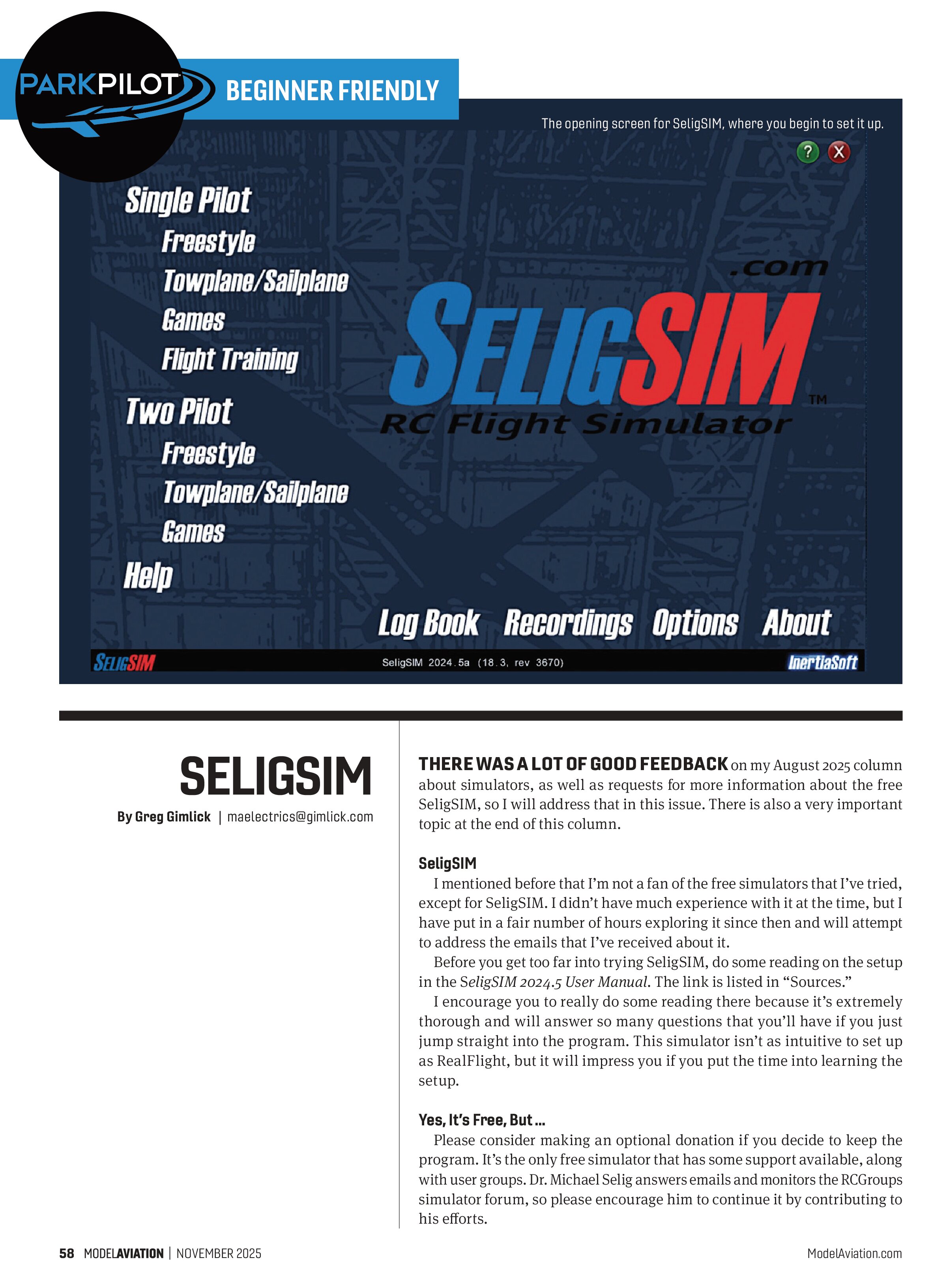
THERE WAS A LOT OF GOOD FEEDBACK on my August 2025 column about simulators, as well as requests for more information about the free SeligSIM, so I will address that in this issue. There is also a very important topic at the end of this column.
SeligSIM
I mentioned before that I’m not a fan of the free simulators that I’ve tried, except for SeligSIM. I didn’t have much experience with it at the time, but I have put in a fair number of hours exploring it since then and will attempt to address the emails that I’ve received about it.
Before you get too far into trying SeligSIM, do some reading on the setup in the SeligSIM 2024.5 User Manual. The link is listed in “Sources.”
I encourage you to really do some reading there because it’s extremely thorough and will answer so many questions that you’ll have if you just jump straight into the program. This simulator isn’t as intuitive to set up as RealFlight, but it will impress you if you put the time into learning the setup.
Yes, It’s Free, But ...
Please consider making an optional donation if you decide to keep the program. It’s the only free simulator that has some support available, along with user groups. Dr. Michael Selig answers emails and monitors the RCGroups simulator forum, so please encourage him to continue it by contributing to his efforts.
Setup
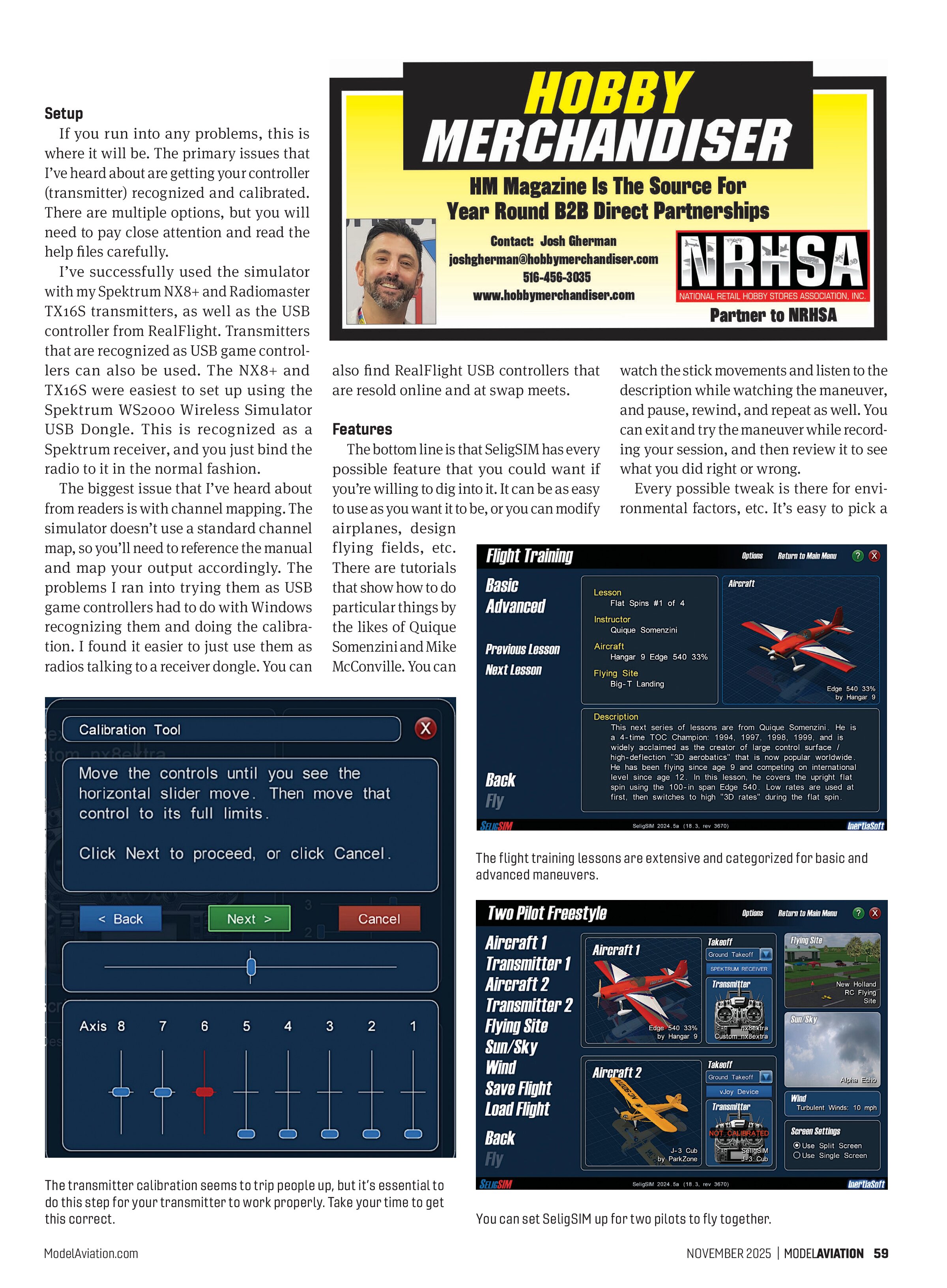
If you run into any problems, this is where it will be. The primary issues that I’ve heard about are getting your controller (transmitter) recognized and calibrated. There are multiple options, but you will need to pay close attention and read the help files carefully.
I’ve successfully used the simulator with my Spektrum NX8+ and Radiomaster TX16S transmitters, as well as the USB controller from RealFlight. Transmitters that are recognized as USB game controllers can also be used. The NX8+ and TX16S were easiest to set up using the Spektrum WS2000 Wireless Simulator USB Dongle. This is recognized as a Spektrum receiver, and you just bind the radio to it in the normal fashion.
The biggest issue that I’ve heard about from readers is with channel mapping. The simulator doesn’t use a standard channel map, so you’ll need to reference the manual and map your output accordingly. The problems I ran into trying them as USB game controllers had to do with Windows recognizing them and doing the calibration. I found it easier to just use them as radios talking to a receiver dongle. You can also find RealFlight USB controllers that are resold online and at swap meets.

The transmitter calibration seems to trip people up, but it’s essential to do this step for your transmitter to work properly. Take your time to get this correct.
Features
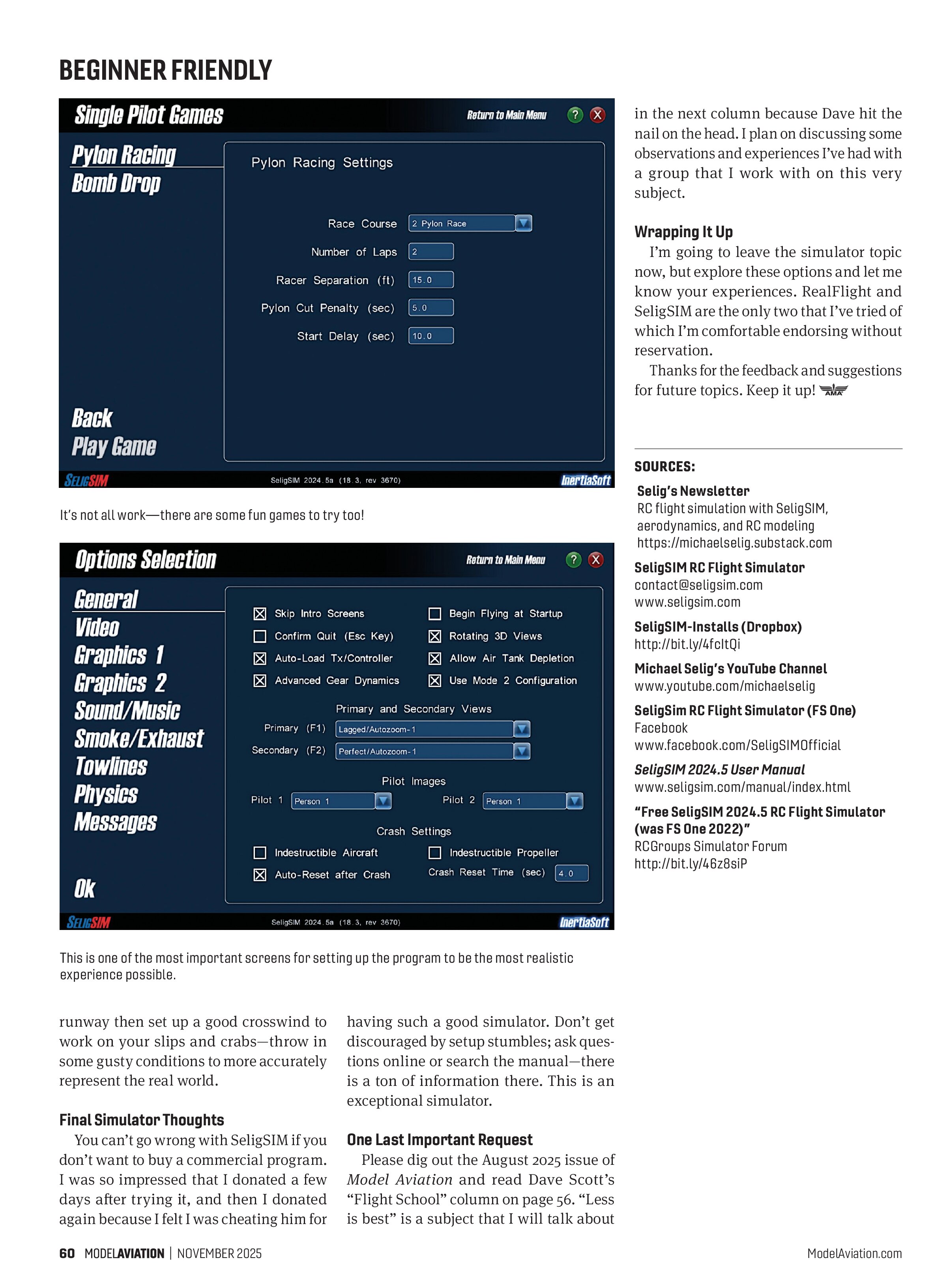
The bottom line is that SeligSIM has every possible feature that you could want if you’re willing to dig into it. It can be as easy to use as you want it to be, or you can modify airplanes, design flying fields, etc. There are tutorials that show how to do particular things by the likes of Quique Somenzini and Mike McConville. You can watch the stick movements and listen to the description while watching the maneuver, and pause, rewind, and repeat as well. You can exit and try the maneuver while recording your session, and then review it to see what you did right or wrong.
Every possible tweak is there for environmental factors, etc. It’s easy to pick a

The flight training lessons are extensive and categorized for basic and advanced maneuvers.

You can set SeligSIM up for two pilots to fly together.

It’s not all work—there are some fun games to try too!

This is one of the most important screens for setting up the program to be the most realistic experience possible.
runway then set up a good crosswind to work on your slips and crabs—throw in some gusty conditions to more accurately represent the real world.
Final Simulator Thoughts
You can’t go wrong with SeligSIM if you don’t want to buy a commercial program. I was so impressed that I donated a few days after trying it, and then I donated again because I felt I was cheating him for
in the next column because Dave hit the nail on the head. I plan on discussing some observations and experiences I’ve had with a group that I work with on this very subject.
Wrapping It Up
I’m going to leave the simulator topic now, but explore these options and let me know your experiences. RealFlight and SeligSIM are the only two that I’ve tried of which I’m comfortable endorsing without reservation.
Thanks for the feedback and suggestions for future topics. Keep it up!
One Last Important Request
Please dig out the August 2025 issue of Model Aviation and read Dave Scott’s “Flight School” column on page 56. “Less is best” is a subject that I will talk about
having such a good simulator. Don’t get discouraged by setup stumbles; ask questions online or search the manual—there is a ton of information there. This is an exceptional simulator.
SOURCES:
Selig’s Newsletter
RC flight simulation with SeligSIM, aerodynamics, and RC modeling
https://michaelselig.substack.com
SeligSIM RC Flight Simulator
contact@seligsim.com
www.seligsim.com
SeligSIM-Installs (Dropbox)
http://bit.ly/4fCltQi
Michael Selig’s YouTube Channel
www.youtube.com/michaelselig
SeligSIM RC Flight Simulator (FS One)
Facebook
www.facebook.com/SeligSIMofficial
SeligSIM 2024.5 User Manual
www.seligsim.com/manual/index.html
“Free SeligSIM 2024.5 RC Flight Simulator (was FS One 2022)”
RCGroups Simulator Forum
http://bit.ly/4628siP