COMMON QUESTIONS
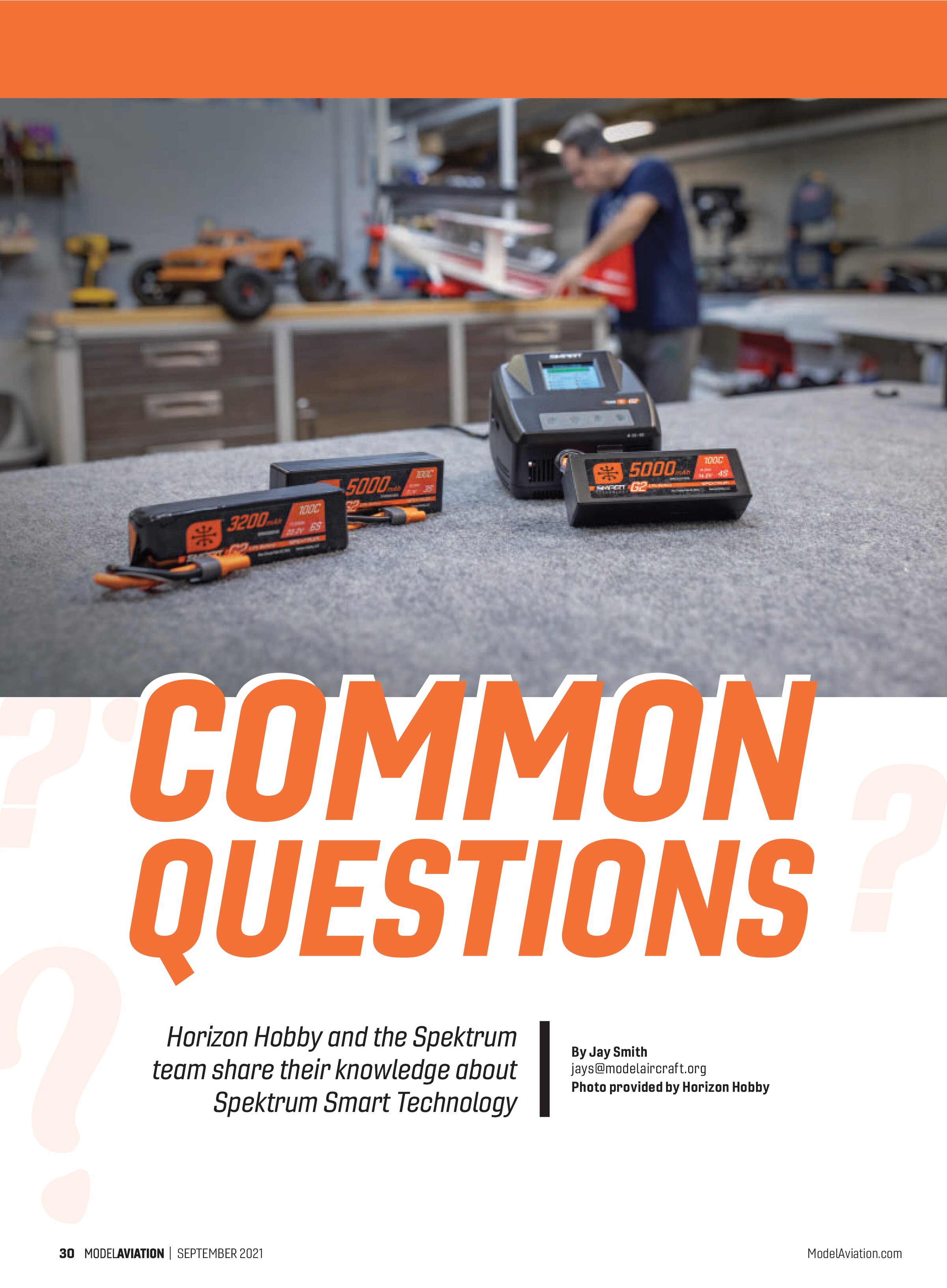
Horizon Hobby and the Spektrum team share their knowledge about Spektrum Smart Technology
By Jay Smith
jays@modelaircraft.org

Do G2 Smart Technology batteries require a Spektrum Smart charger for charging?
Yes. Only a Spektrum Smart charger with G2 firmware will charge and balance a G2 Smart LiPo battery. Go to www.spektrumsmart.com to search for the latest charger and battery firmware for your product.
Why do the G2 Smart batteries not have a balance connector?
G2 Smart batteries have a very fast, integrated, proprietary self-discharge and cell-balancing circuit. G2 batteries require a Smart charger to safely charge and balance your G2 battery.
Is it normal for my G2 battery to warm up during a balance-charge and auto-storage event?
Your G2 battery will give off heat during a balance charge and when it is discharging to a safe storage voltage. The battery is working hard to keep itself healthy. It monitors the temperature during these two events and will slow down to remain within proper temperatures.
Do I need a Spektrum Smart charger to charge my Smart batteries?
G2 Smart batteries do require a Spektrum Smart charger with G2 firmware loaded on it to charge and balance your G2 Smart battery. G1 Smart batteries with a balance lead do not require a Spektrum Smart charger for charging.
Will G1 and G2 Smart chargers charge any brand of battery?
Yes. Your G1 and G2 Smart chargers will charge nearly any RC hobby battery. Please refer to your manual for a full listing of battery types that can be charged with your Smart charger.
Do I need to update my Spektrum Smart charger to charge Smart batteries?
Your Spektrum Smart charger might require a firmware update to charge G2 Smart batteries. To find out whether your Smart charger needs an update before charging G2 Smart batteries, visit www.spektrumsmart.com, find your product, and go to the Manuals & Support tab to find updating instructions.
Why does my fully charged Smart battery show low voltage when I go to use it days later?
Every Smart battery has “auto-storage” mode on when it ships from Horizon Hobby. The default auto-storage mode is 72 hours and 3.90 volts per cell. This means that a fully charged Smart battery will begin to self-discharge to 3.90 volts per cell after 72 hours of nonuse. You can change or turn off the auto-storage mode via a Smart battery checker or your Smart charger.
How fast (at what amperage rate) can I charge my Smart batteries?
Smart batteries default at 1C (1 x total capacity of the battery in ampere hours). Check your Smart battery’s label for its recommended maximum charge rate.
Are Smart G1 batteries being replaced by Smart G2 batteries?
No! We are going to keep both in the lineup to help meet all RC needs.
Do you have a battery to fit my needs?
We have a wide variety of G2 and G1 batteries that meet most RC needs, from RC airplanes to high-speed drag racers. Check out www.spektrumsmart.com for more details.
How do I update my Smart G1 or G2 charger?
You can find out if updates are available for your Smart charger by visiting www.spektrumsmart.com, searching for your charger model, clicking on the manuals and support tab, and selecting the updating instructions link.
Can I charge two batteries on the same IC3/IC5 port on Smart G2 chargers?
No. The slider on the IC3/IC5 port of your Smart charger is designed to prevent simultaneously connecting two batteries to the port. Do not remove the slider from the IC3/IC5 port on your Smart charger.
SOURCES:
Horizon Hobby
(800) 338-4639
www.horizonhobby.com
Spektrum
(800) 338-4639
www.spektrumrc.com