Flight sims: a virtual world for FPV!

Winter is coming. After a long summer of flying, it’s hard to imagine that the temperatures will drop. It will get harder to make it out to the RC field. There is a cure for that problem, and it’s our old friend, the flight simulator.
RC flight simulators are nothing new. They have been around for years. My second or third airplane was an Ultra Stick. I decided to sell that airplane to purchase a RealFlight simulator. That was in 2002.
My theory was that I needed more stick time, and to do that I should start flying on a simulator. I wanted to practice takeoffs, landings, and doing crazy maneuvers such as loops! I’m happy to report that the simulator allowed me to fly RC with more confidence and to try new things I otherwise would not have attempted at the field.
Throughout the years, I have talked with some great pilots, and one of the questions I ask is, “How did you get your start [in flying]?” They almost always reply, “On a flight simulator.”
The reason I’m writing a new article on an old topic is because I have had a revelation!
Getting in the Cockpit
This past year I have really been into FPV. I realize that some people out there have caused possible issues for the hobby with drones, but my FPV piloting is mainly restricted to low-level brush busting (so no fear there).
When I was putting together a computer exclusively to run RealFlight multiplayer sessions and was attempting some FPV flight via one of the quadcopters, a lightbulb went off!
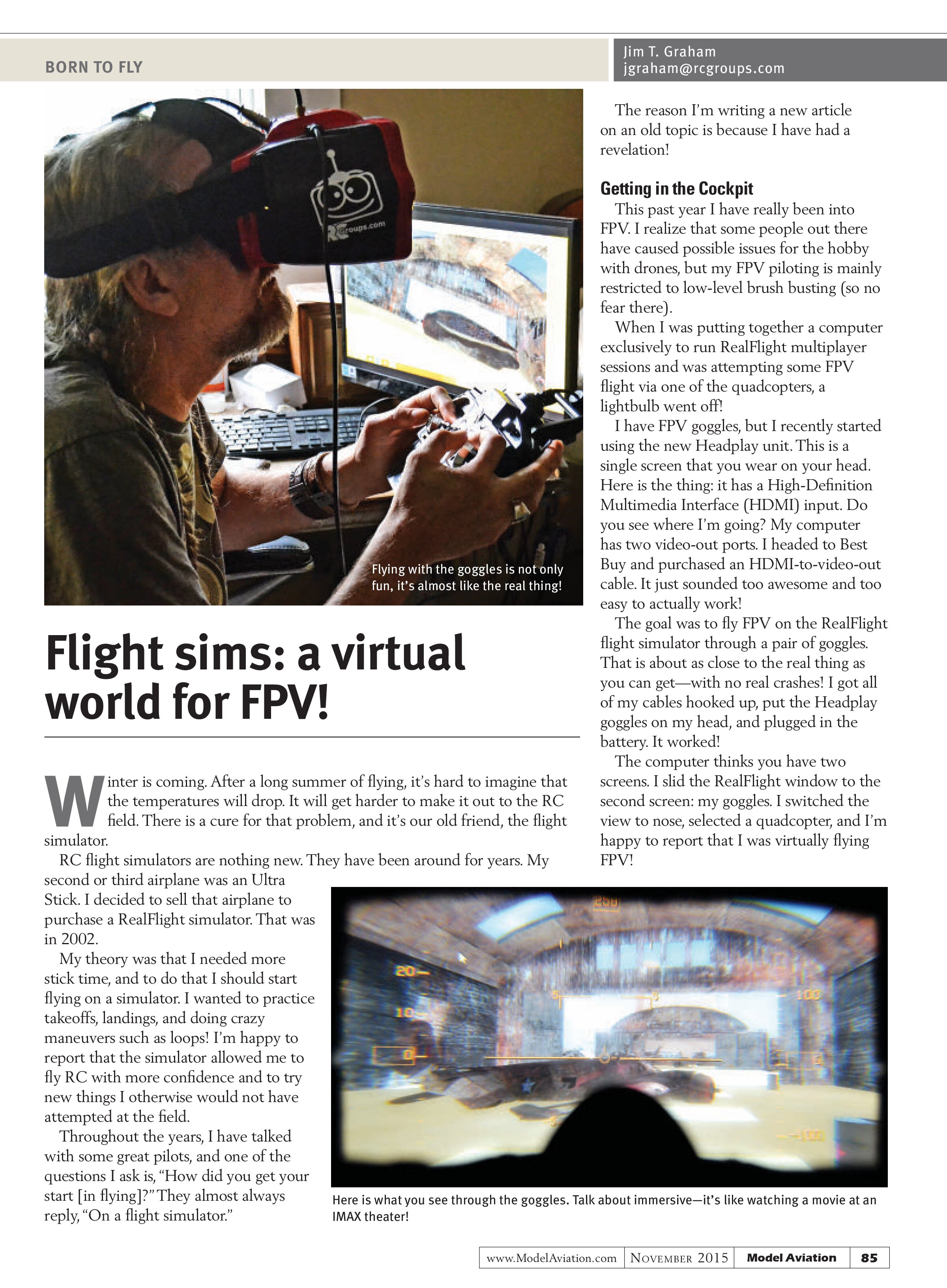
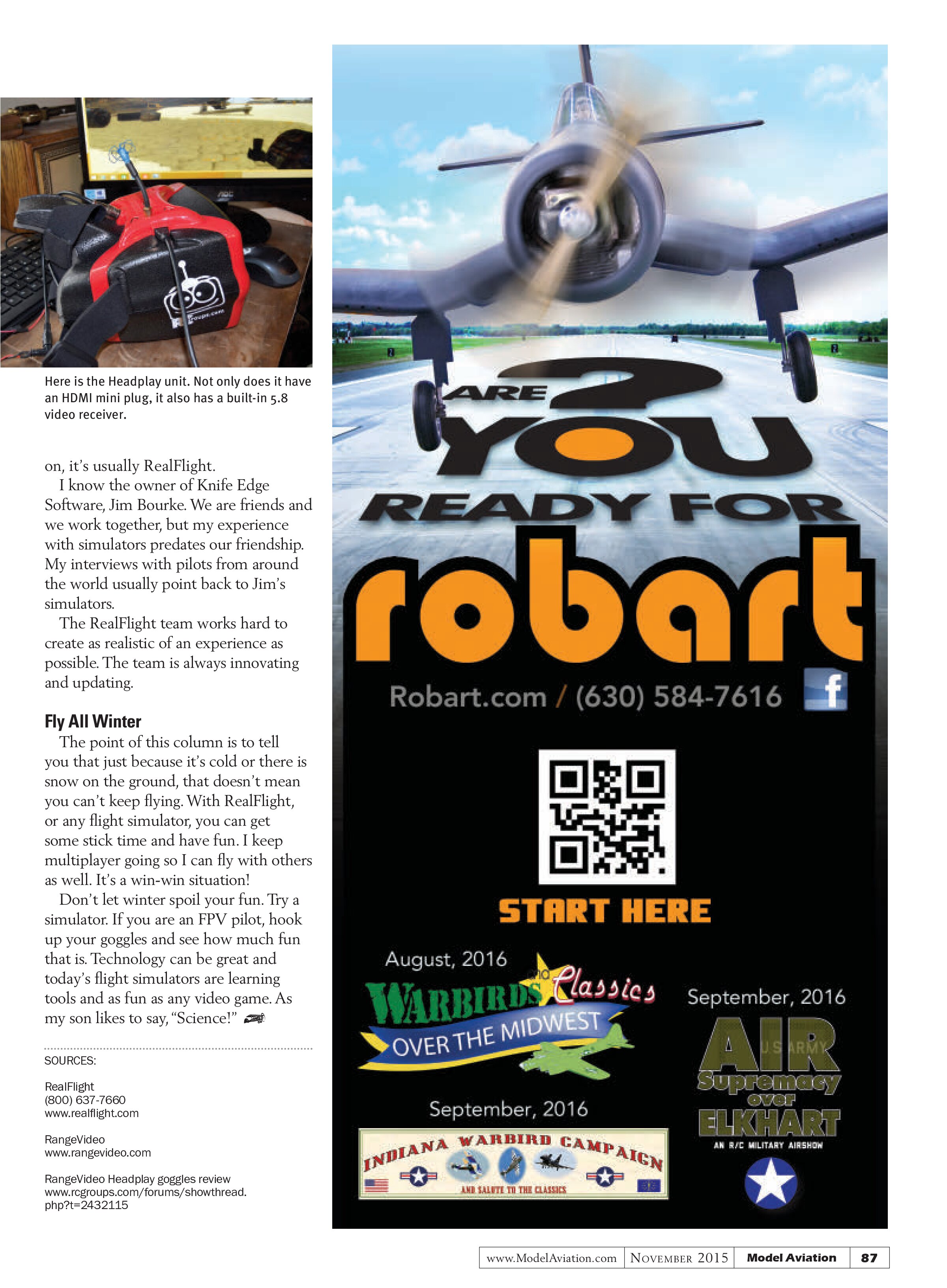
I have FPV goggles, but I recently started using the new Headplay unit. This is a single screen that you wear on your head. Here is the thing: it has a High-Definition Multimedia Interface (HDMI) input. Do you see where I’m going? My computer has two video-out ports. I headed to Best Buy and purchased an HDMI-to-video-out cable. It just sounded too awesome and too easy to actually work!
The goal was to fly FPV on the RealFlight flight simulator through a pair of goggles. That is about as close to the real thing as you can get—with no real crashes! I got all of my cables hooked up, put the Headplay goggles on my head, and plugged in the battery. It worked!
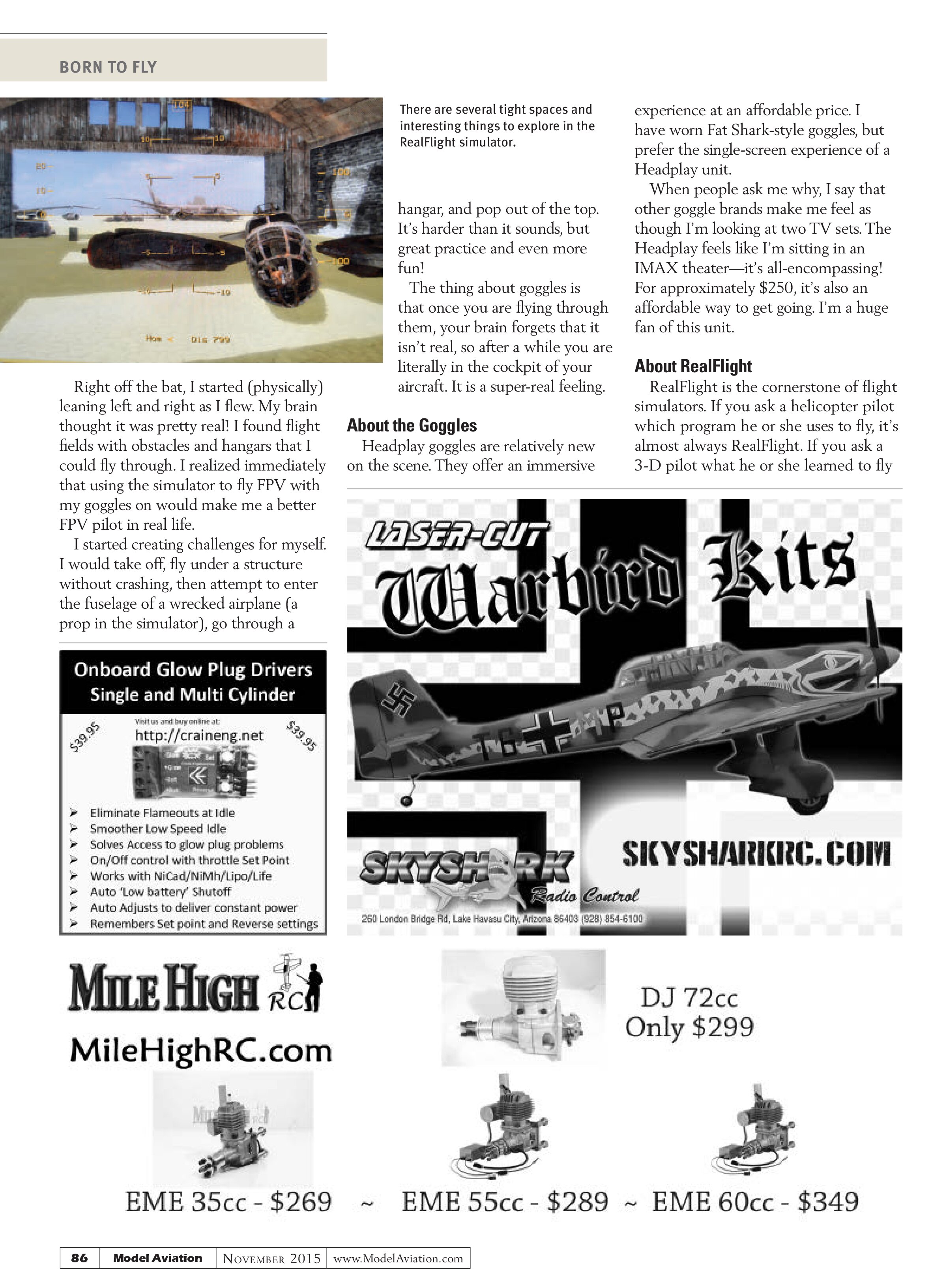
The computer thinks you have two screens. I slid the RealFlight window to the second screen: my goggles. I switched the view to nose, selected a quadcopter, and I’m happy to report that I was virtually flying FPV!

Right off the bat, I started (physically) leaning left and right as I flew. My brain thought it was pretty real! I found flight fields with obstacles and hangars that I could fly through. I realized immediately that using the simulator to fly FPV with my goggles on would make me a better FPV pilot in real life.
I started creating challenges for myself. I would take off, fly under a structure without crashing, then attempt to enter the fuselage of a wrecked airplane (a prop in the simulator), go through a

I started creating challenges for myself? No—